One of my friends called me and just asked me about how to install windows media player for Firefox. She said she clicked on the menu in the auto play dialog and it opens up Firefox (her default browser. And now she has a blank screen on her computer. She thought it was virus! And was trying to grab her data. She is using Microsoft windows xp as her operating system. Then I asked her about the windows Media player plug-in and she said she didn’t install it. You too had the same problem. Not a big deal. This happened because you don’t have the plug-in for Firefox. We just need to download that plug-in. The procedure follows below –
Installation
Just download and run the plug-in installer. You'll probably want to close Firefox during the installation.
Verifying Plug-in Installation
After running through the very quick installation wizard, you might be curious if the installation actually worked. While the easiest method is to just open a Windows Media video, you can also type the following into the address bar to see the list of loaded plug-ins:
And now you can view this Windows Media format video file in Firefox…
If you still face technical problem... just call us on 1800602586 for technical support.
More on Technical Tips and tricks .
Move Firefox tab to Chrome and vice a versa
Clear Download History in Firefox
Closing Microsoft Office's Clipboard Bar

 By: Michael Kwan
 In this article, you will learn how to get a microcontroller to communicate with the PSP and how to use it to make an interface for gamepads and more. Although it won't work with existing games out of the box, you can write your own homebrew games that use these controllers.
 Putting together a tutorial on how to set up the wireless game modes of the games you'll be playing might help if some of your players have not gotten down with PSP WiFi networking. But, then again, it is not rocket science.




 (Robert Dipper)
 Use the PSP's built-in ad hoc wireless capabilities to have an on-the-fly LAN party with your PSP-wielding friends
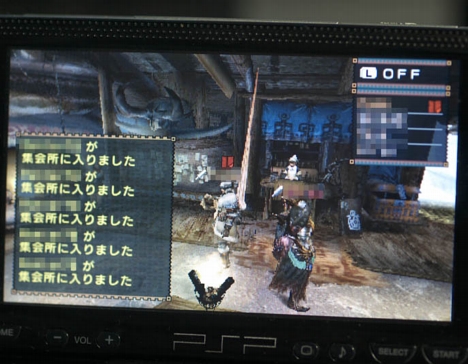 Here's a quick recap of the basic steps:


 Here's what you'll need: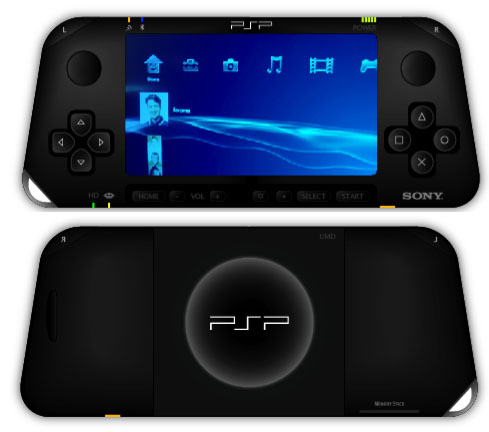
 First things first: make sure that you and your friend(s) have the WLAN switch on the bottom-left corner of your PSPs switched on. Assuming that you are playing host to the game, start up Tony Hawk's Underground 2 Remix. Once you click through all the beginning bits and load any saved profiles you may want to use, select WiFi Play from the game menu wheel.
 You've just bought a brand new PSP and so has your best friend. You are both eager to play head-to-head, using the PSP's wireless gaming capabilities. Unfortunately, you and your friend have differing tastes in games and, as a result, you don't have two copies of any one game between the both of you. Before you run out to rent or buy a duplicate game from your combined lists, try this little method to trick your PlayStation Portables into thinking that you have two copies of your game.
